

Your Printer Ink Dried Out: What Actually Happened and What to Do
Why idle inkjets self-destruct, what you can recover, and the real cost of owning a printer you rarely use
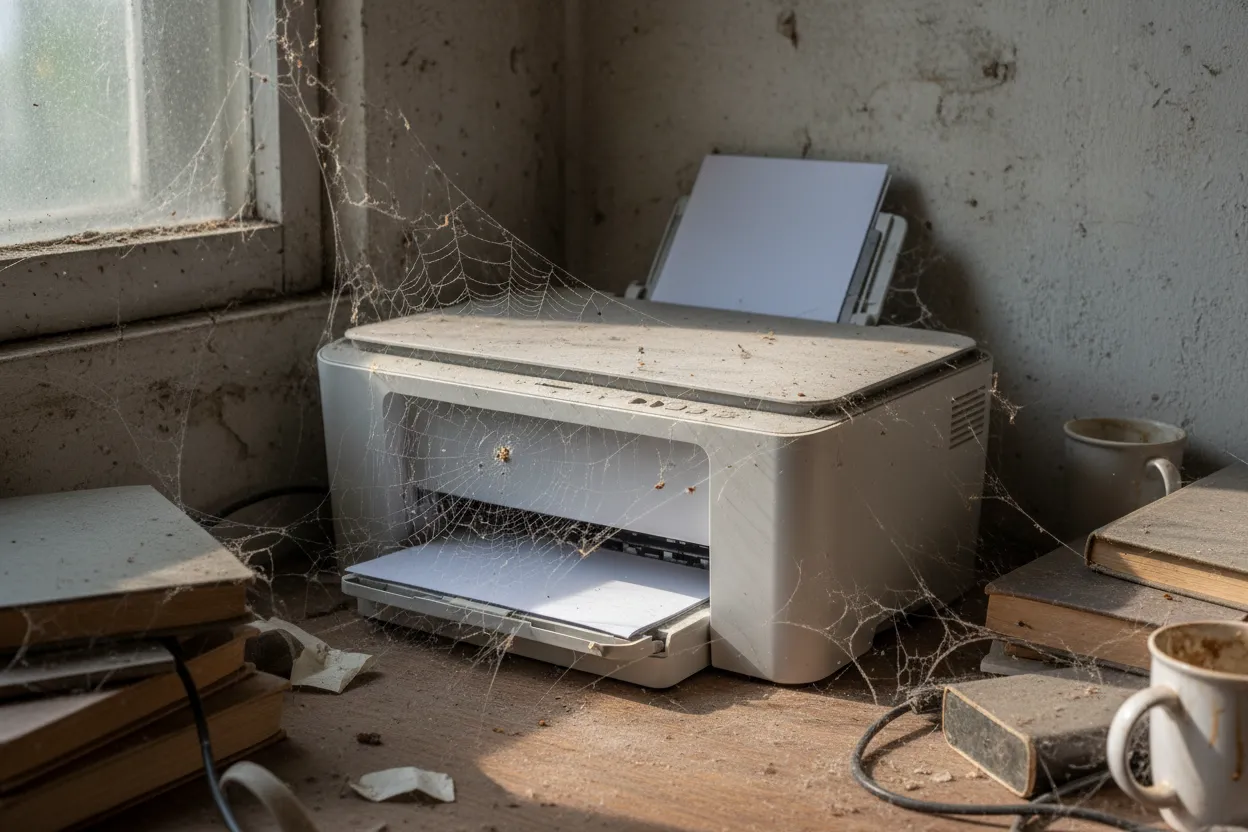
Inkjet ink dries out because the solvent in the ink evaporates at the microscopic nozzles in the print head, leaving behind pigment or dye that crusts and blocks the opening. This happens faster when the printer sits idle. Your printer tries to fix this automatically by running cleaning cycles—high-pressure flushes that push fresh ink through the nozzles—but those cycles consume ink you paid for, often more ink than you'll ever use printing actual pages.
What Actually Happens When Ink Dries
Inkjet ink is a suspension: pigment or dye particles carried in a liquid solvent, plus surfactants and humectants to control flow and drying. At the print head nozzle—an opening roughly the width of a human hair—that solvent evaporates when exposed to air. What's left is a solid crust of colorant that blocks the nozzle.
How fast this happens depends on the ink formulation, humidity, and how often you print. Dye-based inks tend to dry faster than pigment inks. A printer that sits unused for two weeks in a dry room can develop light clogs. A printer unused for months will often have a fully blocked head.
Most consumer inkjets run an automatic cleaning cycle every time you power on after a period of inactivity, and some run a maintenance cycle every few days even when off, drawing power and ink from the cartridges. Each cycle uses a small amount of ink—HP and Canon printers typically consume a few milliliters per clean, Epson printers sometimes more—and that adds up.
What You Can Recover
Run a nozzle check first. This prints a test pattern showing which colors are firing. On most printers, you'll find this in the printer's maintenance menu, accessible through the control panel or the driver software on your computer.
If you see gaps or missing lines in one or two colors, you have a light clog. Run one cleaning cycle from the same maintenance menu, wait five minutes for the ink to settle, then print another nozzle check. If the pattern improves, run one more clean if needed.
If the nozzle check is perfect after one or two cycles, stop. Do not run additional cleans "just in case." Each cycle wastes ink.
If you see no improvement after two cleaning cycles, or if all colors are completely missing, you likely have a dried head that cleaning cycles will not fix. Running more cycles at this point just empties your cartridges.
What You Cannot Recover
Printers with sealed or integrated print heads—where the nozzles are built into the printer, not the cartridge—are expensive to repair once the head is fully dried. This includes most Epson EcoTank and Expression models, HP OfficeJet Pro machines, and Canon PIXMA printers with separate ink tanks.
Replacement print heads, if available at all, often cost $100 to $200. On a $150 printer, that repair makes no economic sense.
Printers where the print head is part of the cartridge—common in older HP DeskJet and some Canon PIXMA lines—are more forgiving. A dried head gets replaced when you install a new cartridge. You're still out the cost of the cartridge, but the printer itself survives.
The Real Economics of Idle Inkjets
For someone who prints a few times a year, the ink consumed by automatic maintenance cycles can exceed the ink used to print pages. A typical cleaning cycle uses 1–3 mL of ink per color. If your printer runs a clean every two weeks and you own it for a year, that's 25+ cycles. At 2 mL per cycle per color, that's 200 mL of ink gone—roughly the capacity of four standard cartridges—before you print a single page.
This is why the cost-per-page math that printer manufacturers advertise is misleading for low-volume users. Those figures assume continuous use. They do not account for maintenance ink, and they do not account for cartridges that dry out before they empty.
If you print fewer than ten pages a month, you are paying for ink you do not use. A laser printer—which uses toner powder that does not dry—or a print service will cost you less over time.
What to Do Now
If your printer still responds to cleaning cycles, print something every week. One page is enough to keep the nozzles wet. Set a calendar reminder.
If the head is dried beyond recovery and the printer is more than two years old, replace it with a laser printer if you print infrequently, or use a print-and-mail service for occasional jobs.
If you print often enough to justify an inkjet—several times a week—consider a model with a pigment ink set, which dries more slowly, or an EcoTank-style printer with larger reservoirs that reduce the cost per cycle. But understand that even those require regular use.
The cartridge you threw away still half-full was not defective. It was doing exactly what the chemistry requires. The question is whether you should own the machine at all.
Print When You Need It, Not When the Printer Demands It
We handle the printing, postage, and mailing—no dried nozzles, no wasted ink.
Upload & PrintFrequently Asked Questions
How long does it take for inkjet ink to dry out?
Light clogs can form in as little as two weeks of inactivity, especially in dry environments. A printer unused for several months will often have a fully blocked print head that cleaning cycles cannot recover.
Why does my printer use ink when I'm not printing?
Inkjet printers run automatic cleaning cycles to prevent nozzle clogs, even when idle. These cycles push fresh ink through the print head and consume ink from your cartridges—sometimes more than you use printing actual pages.
Can I manually clean a dried inkjet print head?
On printers where the head is part of the cartridge, you can try removing the cartridge and gently wiping the nozzle plate with a lint-free cloth dampened with distilled water. On printers with sealed heads built into the machine, manual cleaning is rarely effective and risks permanent damage.
Is it better to leave an inkjet printer on or turn it off?
Leave it on if you print at least once a week. The printer will run maintenance cycles as needed, but regular use keeps the nozzles from drying. If you print less often, the power and ink consumed by automatic maintenance while idle usually outweigh any benefit.