

How to Print From Your Phone When You Don't Have a Printer
The real options when the document is on your phone and the printer is nowhere near you
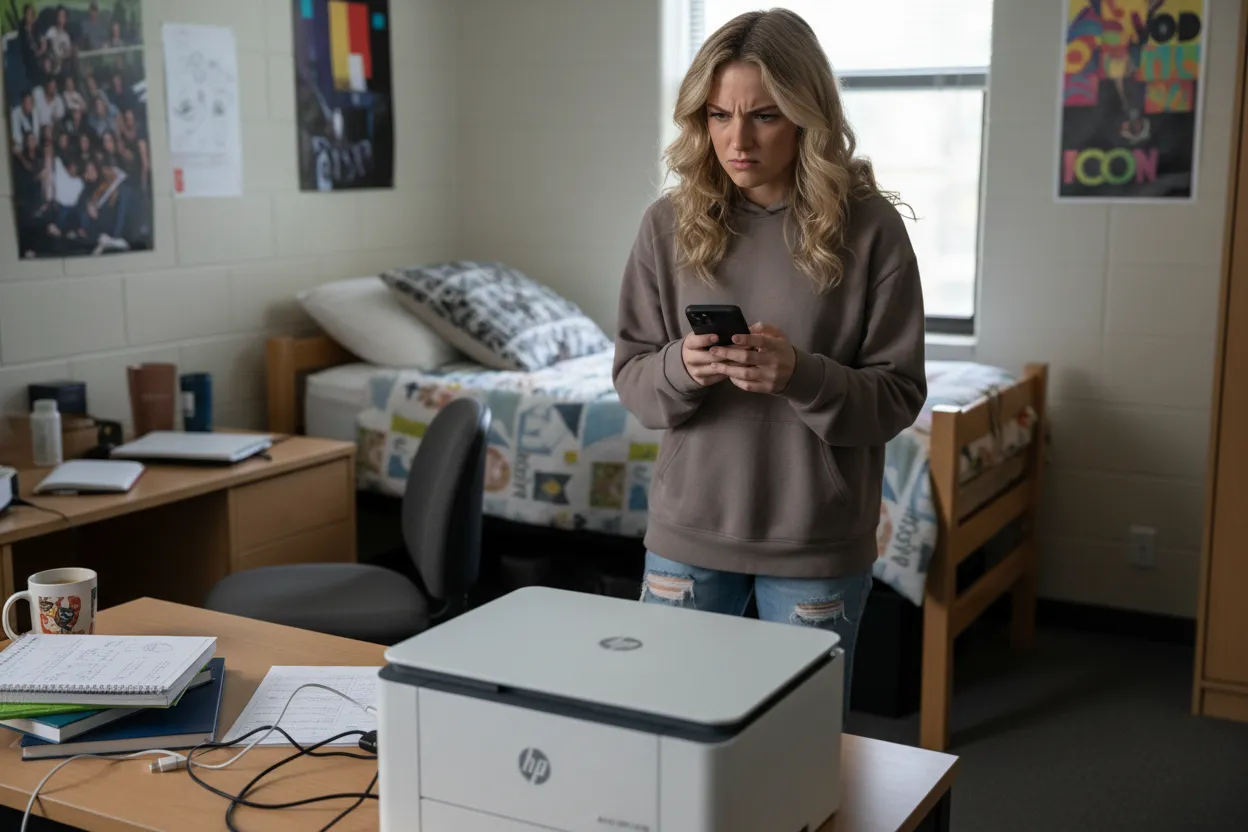
You can print from your phone without owning a printer by using someone else's AirPrint or Mopria-compatible printer on the same Wi-Fi network, taking your file to a print shop like FedEx Office or Staples, or uploading the document to a print-and-mail service that handles the printing and delivery for you. Each option has real tradeoffs in convenience, cost, and reliability.
AirPrint and Mopria: You Still Need Access to a Printer
AirPrint (iPhone/iPad) and Mopria (Android) let your phone talk directly to a printer without installing drivers. They work well, but only if you're on the same Wi-Fi network as a compatible printer. That means a friend's house, your office, or a library with guest printing.
Most printers made after 2012 support one or both protocols. On iPhone, tap Share, then Print, and iOS will show any AirPrint printers it can see. On Android, open the document, tap Share or the three-dot menu, select Print, and choose a Mopria-certified printer from the list.
The catch: you need physical proximity and network access. If you're at home with no printer, or the printer you can reach is offline or out of ink, this option evaporates. You also can't print remotely to a printer in another location unless someone has set up Google Cloud Print's successor or a manufacturer's proprietary app, and those are inconsistent.
Print Shops: Reliable but Requires a Trip
FedEx Office, Staples, UPS Store, and local print shops all accept files from your phone. Most let you email the document to the store, upload through their app, or walk in with your phone and use a self-service kiosk.
The email route works like this: you send your PDF or photo to a store-specific address, then show up and pay at the counter. The app method (FedEx Office and Staples both have one) lets you upload, pick options, and sometimes pay before you arrive. The kiosk method usually involves a USB cable at the machine or a Bluetooth pairing step that works about half the time.
Cost runs roughly fifty cents for a black-and-white page, more for color. If you need five pages, it's cheap. If you need fifty, it adds up. You also have to leave the house, and store hours matter.
This is the most reliable option if you need the document in your hands today and you don't mind the errand.
Email-to-Print Services: Flaky and Mostly Gone
A few years ago, services like HP ePrint and Epson Email Print let you email a document to a printer's unique address and it would print remotely. Most of these have been quietly discontinued or require the printer owner to configure cloud accounts that break whenever the router resets.
If you're trying to print to someone else's printer remotely, ask them to check if their model still supports it and whether it's actually turned on. Assume it won't work until proven otherwise.
Print-and-Mail: Skip the Printer Entirely
If the document needs to go to someone else anyway—a signed form, a letter, a legal notice—uploading the file to a print-and-mail service removes the printer from the equation entirely. You upload the PDF from your phone, enter the recipient's address, and the service prints it, adds postage and mails it.
This costs more than printing it yourself would (usually a couple of dollars for a standard letter), but less than a print shop plus postage plus your time. It also solves the "I don't have an envelope or a stamp" problem, because the service handles that.
It makes the most sense when you print infrequently, when the document has to be mailed, or when you're trying to solve the whole problem from your phone in one step.
What Actually Works
If you're near a compatible printer and on its network, AirPrint or Mopria is instant and free. If you need the printout in hand and there's a print shop nearby, that's your move. If the document is going in the mail and you'd rather not own a printer, upload it and let someone else handle the chain.
The worst option is buying a cheap inkjet because you need to print one thing. The printer will cost sixty dollars, the replacement cartridges will cost fifty, and the next time you need it the heads will be clogged.
Need to print and mail something from your phone?
Upload your file and we'll print it, add postage, and mail it—no printer or post office required.
Upload & PrintFrequently Asked Questions
Can I print from my iPhone without a printer nearby?
Not directly. AirPrint requires a compatible printer on the same Wi-Fi network. Your options are visiting a print shop, using a friend's printer, or uploading the file to a print-and-mail service that handles printing and delivery remotely.
Does Android have AirPrint?
Android uses Mopria instead of AirPrint, but it works the same way—your phone finds compatible printers on the local Wi-Fi network. Most modern printers support both protocols.
How much does it cost to print at FedEx or Staples from my phone?
Typically around fifty cents per black-and-white page and more for color, though prices vary by location and paper size. You can upload through their app or email the file to the store, then pay when you pick it up.
Is it cheaper to buy a printer or use a print service?
If you print fewer than a few times a year, using a print shop or print-and-mail service is cheaper. A budget inkjet costs sixty dollars up front, but replacement ink runs forty to fifty dollars and the printer will clog between uses.