
Warning: Your Home Printer Is the Weakest Link in Your Network
Printers have become the most overlooked security risk in your LAN
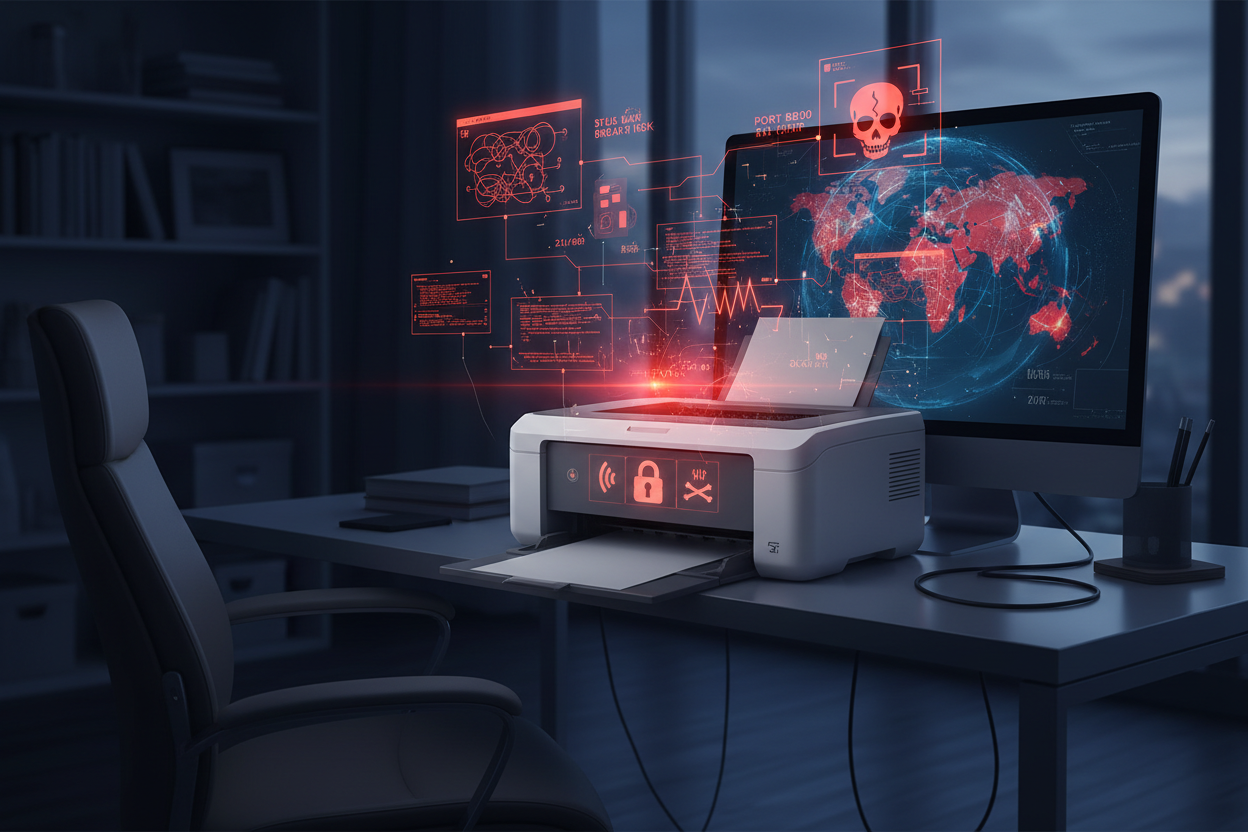
When people think about cybersecurity, they worry about laptops. Phones. Wi-Fi routers. Maybe smart speakers. Almost nobody worries about their printer. Which is exactly why printers have become one of the most overlooked security risks in modern homes.
If that sounds dramatic, consider this:
Printers are network-connected computers with storage, outdated firmware, unsecured ports, default credentials, and—often—zero user oversight.
In security terms, that's a dream target.
Let's break down why.
1. Most printers ship with shockingly bad security defaults
Consumer printers commonly arrive with:
- remote management features active from day one
- Wi-Fi Direct enabled by default
- open network ports
- unsecured web interfaces
- default admin passwords
And unlike routers or phones, printers don't force setup screens that warn you to change passwords or disable features.
They assume you'll secure them. Consumers assume the manufacturer did.
Result: Nobody secures them at all.
2. Printers store data. Very few people realize this
Your printer may save:
- fax logs (if multifunction)
- scanned IDs or forms
- cached documents
- recent print jobs
On many models, this information is:
- retained far longer than expected
- accessible via the network
- unencrypted
Your printer may be quietly holding onto sensitive paperwork you "thought" was gone.
3. Printers offer attackers a perfect foothold into your network
A compromised printer allows attackers to:
- launch attacks through the print spooler
- modify print jobs
- collect credentials
- exfiltrate documents silently
- pivot laterally (move to laptops, phones, NAS drives)
This is not speculation, it's documented threat behavior. Just google "printer breach" and you'll see what we mean.
4. Remember "PrintNightmare"? That wasn't just a Windows problem.
In 2021, the Windows Print Spooler vulnerability (PrintNightmare) allowed attackers to run code with SYSTEM privileges simply through print services.
Impact:
- Printers used as a bridge for remote code execution
- Enterprise networks exposed
- Millions of PCs vulnerable
Home users were affected too — most without realizing why their devices were suddenly unsafe.
5. Printer firmware is rarely updated, and often vulnerable
People update:
- smart TVs
- tablets
- laptops
- phones
Printers? Almost never.
The average consumer has no idea:
- whether their printer is still supported
- what the updates fix
- where to find updates
- how to update printer firmware
Outdated firmware + network connectivity = textbook IoT attack scenario.
Not to mention Printers aren't necessarily designed with security in mind. Security issues rarely affect the bottom dollar for a printer manufacturer, so updates are generally functional fixes rather than security.
6. Printers are the only device in your home with full local network access that nobody ever audits
Think about it:
- You secure your Wi-Fi network.
- You update your OS.
- You review app permissions.
- You check router settings.
But your printer?
It's been sitting there for 4+ years with:
- no logging
- no firewall rules
- no password
- a web interface accessible from any device
- full access to your network
- outdated firmware
If a hacker scanned your network, the printer would light up like a neon invitation.
7. Printers are so low on the priority list that they're the perfect target
Attackers know:
- nobody treats them like real computers
- nobody checks their logs
- nobody patches them
- nobody updates them
- nobody monitors printers
That combination makes home printers the ideal infiltration point.
So yes — your printer is probably the weakest link in your network
Not your phone.
Not your laptop.
Not your Wi-Fi.
Your printer — the device you forgot was even connected.
And the safest way to handle printing?
Don't own one.
We can help with that.
When you upload a document securely to Have It Printed, you're not maintaining firmware, exposing your network, or risking your devices.
You're isolating the job to a secure, single-purpose workflow that doesn't compromise your personal network.
Which is exactly how it should work.
Tired of Printer Problems?
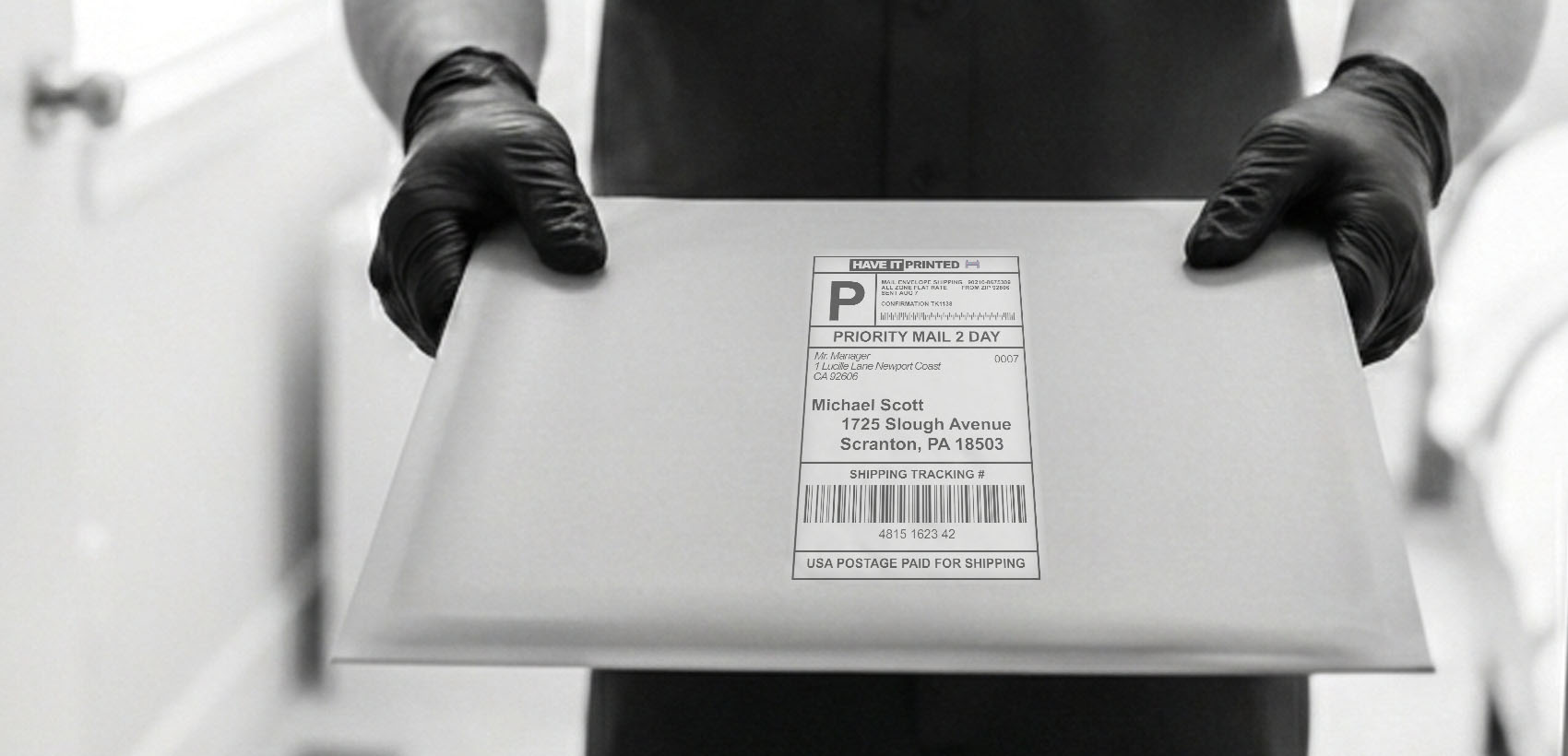
Skip the troubleshooting. Upload your documents and we'll print and mail them for you!
Have It Printed